
Download TikTok and Pinterest in 4 steps
Same flow on every platform, so it stays quick, simple, and works on any device.
 1Step 01
Copy a TikTok or Pinterest link
Open the TikTok app or Pinterest pin, tap Share, then Copy link.
 2Step 02
Paste it into StashTik
Drop the link into the input above, since TikTok and Pinterest both work.
 3Step 03
Auto-process
StashTik detects the link and fetches the video, slideshow, image, or audio.
 4Step 04
Save the file
Tap Download to keep your HD video, image, slideshow, or MP3.
Read the full walkthrough guides
Step-by-step screenshots for every format StashTik supports.
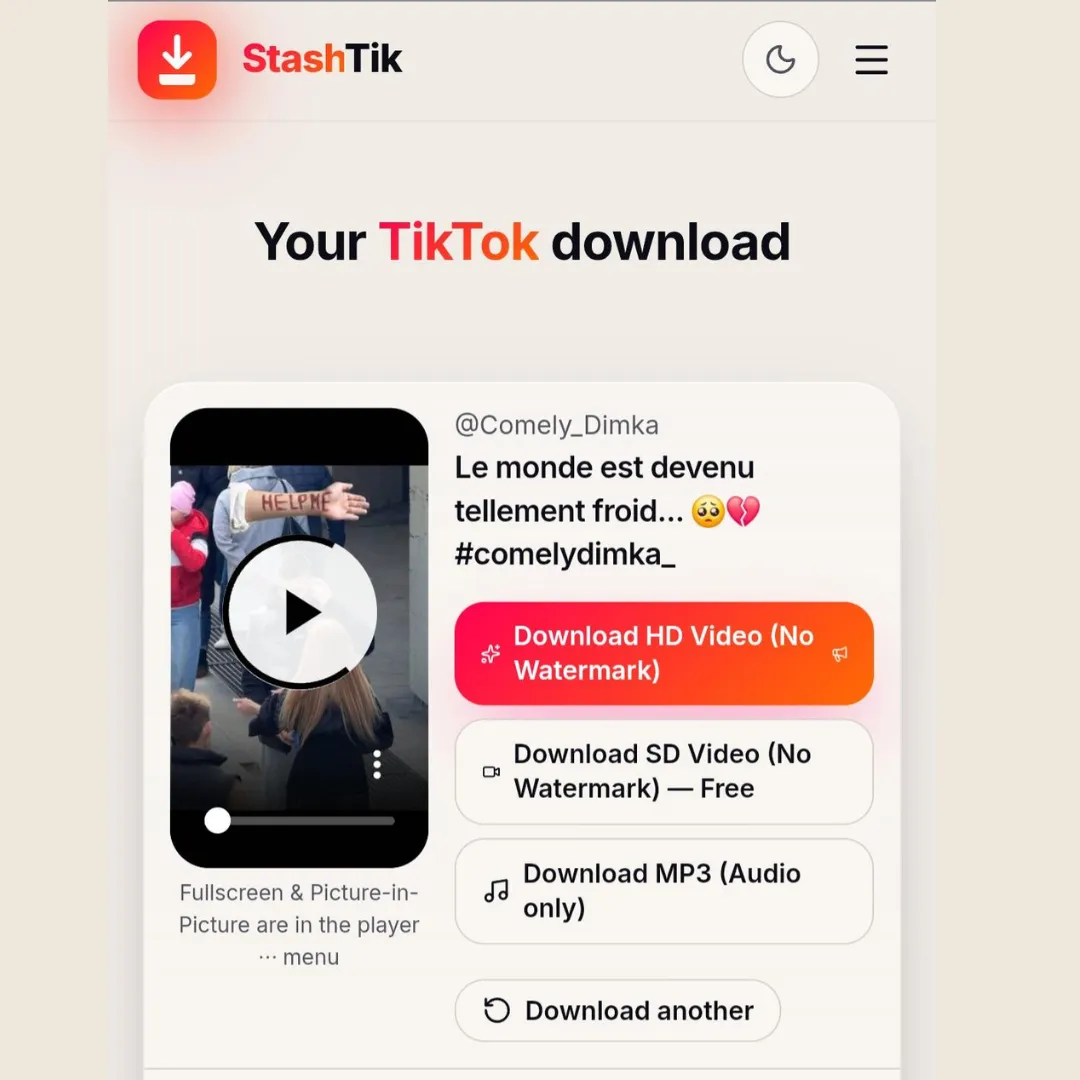
How to Download TikTok Videos Without Watermark Using StashTik
Paste a TikTok link and get a clean HD MP4 without the watermark. Works on iPhone, Android, Mac and PC.
Read guide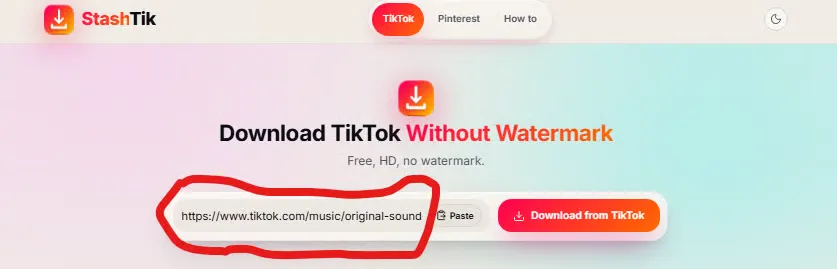
How to Download TikTok Slideshows Using StashTik
TikTok won't let you export slideshows as a single file. StashTik does it in one paste, with the audio mixed in.
Read guide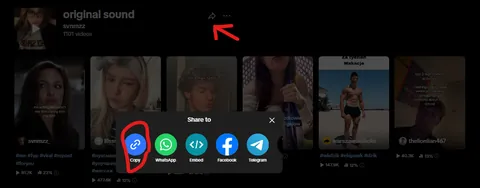
How to Download TikTok Audio Using StashTik
TikTok has no export option for sounds. StashTik pulls a clean MP3 from any video or music page in seconds.
Read guide
How to Download Pinterest Videos Using StashTik
Pinterest's Save button only saves back to Pinterest. StashTik gives you the actual MP4 file in one paste.
Read guide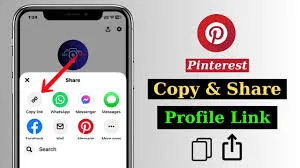
How to Download Pinterest Images Using StashTik
Grab the real image file — usually far larger than what shows in your feed — with a single paste.
Read guide